Comment2Bark for Typecho: Send Blog Comment Alerts to Bark on iOS
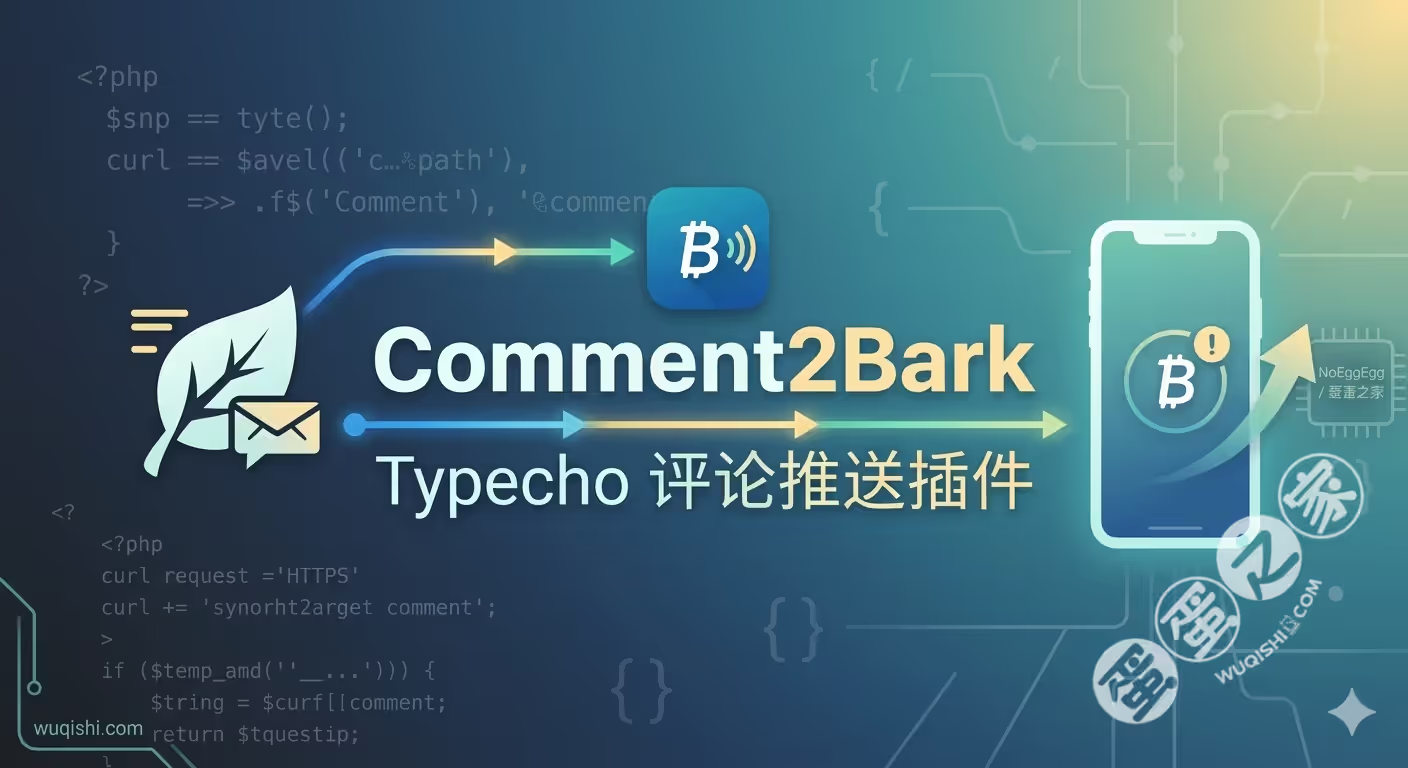
Comment2Bark is a Typecho plugin built to forward blog comment activity to Bark, so notifications can be delivered directly to an iPhone or iPad. The project has been thoroughly refactored on top of the earlier implementation, with cleaner structure, better compatibility, and more complete feature handling.
What Bark does
Bark is an open-source iOS push notification tool created by Finb and released under the MIT license. On the technical side, it works in a straightforward way:
- the server triggers notifications through standard HTTP POST requests
- the client supports iOS 15.0 and later
- notification parameters such as icon, group, and sound can be customized
- you can either use the official hosted service or deploy your own Bark server
That makes it a practical fit for lightweight comment notifications in a Typecho site.
Notification scenarios supported
The plugin covers several common moderation and interaction cases.
<table> <thead> <tr> <th>Scenario</th> <th>Trigger condition</th> <th>Notification title</th> <th>Message body</th> <th>Link target</th> </tr> </thead> <tbody> <tr> <td>📩 New comment</td> <td>Comment is approved</td> <td>📩 【Blog Name】has a new comment</td> <td>"Article title"\n👤 Commenter: content</td> <td>Current comment</td> </tr> <tr> <td>💬 Reply notice</td> <td>A visitor replies to a comment</td> <td>💬 {Replied user}'s comment got a reply</td> <td>Reply: "Original comment excerpt"\n👤 Replier: content</td> <td>Current reply</td> </tr> <tr> <td>⏳ Pending review</td> <td>Comment enters moderation queue</td> <td>⏳ 【Blog Name】has a "pending" comment</td> <td>"Article title"\n👤 Commenter: content</td> <td>Admin panel</td> </tr> <tr> <td>🗑️ Spam comment</td> <td>Comment is marked as spam</td> <td>🗑️ 【Blog Name】has a "spam" comment</td> <td>"Article title"\n👤 Commenter: content</td> <td>Admin panel</td> </tr> </tbody> </table>Main capabilities
Several details make the plugin more than a simple forwarding tool:
- Precise deep links: it calculates the correct comment page automatically, so tapping a push notification jumps straight to the actual comment location
- Automatic retry: failed pushes are retried up to 3 times, with delays of 1s, 2s, and 4s
- Safer content handling: comment text goes through HTML filtering and XSS protection before being sent
- Debug mode: request and response logs can be recorded for troubleshooting
- Custom notification options: icon, group, and sound are all configurable
Configuration options
The plugin exposes the following settings:
<table> <thead> <tr> <th>Option</th> <th>Type</th> <th>Description</th> </tr> </thead> <tbody> <tr> <td>Server address</td> <td>URL</td> <td>Bark API endpoint, default:https://api.day.app/</td>
</tr>
<tr>
<td>Bark Key</td>
<td>string</td>
<td>Device identifier obtained from the Bark app (required)</td>
</tr>
<tr>
<td>Archive message</td>
<td>boolean</td>
<td>Whether to keep notification history on the client</td>
</tr>
<tr>
<td>Ignore self</td>
<td>boolean</td>
<td>Filters the site owner's own comments by UID</td>
</tr>
<tr>
<td>Owner UID</td>
<td>integer</td>
<td>Site owner user ID, default is 1</td>
</tr>
<tr>
<td>Notification icon</td>
<td>URL</td>
<td>Full URL of the push icon</td>
</tr>
<tr>
<td>Message group</td>
<td>string</td>
<td>Notification category identifier</td>
</tr>
<tr>
<td>Sound</td>
<td>string</td>
<td>Sound file name from Bark's supported list</td>
</tr>
<tr>
<td>Debug mode</td>
<td>boolean</td>
<td>Enables request/response logging</td>
</tr>
</tbody>
</table>
Data sent to the Bark API
The plugin submits the following POST payload to Bark:
[
    'title'     => '📩 【博客名】有新评论',
    'body'      => '「文章标题」\n👤 评论者:内容摘要...',
    'url'       => 'https://example.com/article/comment-page-1#comment-123',
    'icon'      => $options->barkIcon,      // 可选
    'group'     => $options->barkGroup,     // 可选
    'isArchive' => $options->barkArchive,   // 1 或 0
    'sound'     => $options->barkSound,     // 可选
    'level'     => 'active' | 'timeSensitive'
]
Installation and setup
Requirements
- Typecho 1.3.0
- PHP 7.4 or newer, with 8.0+ recommended
Installation steps
- Download the plugin files
- Extract them to
/usr/plugins/Comment2Bark/ - Enable the plugin in the Typecho admin panel under
Console → Plugins - Enter the Bark Key to finish configuration
How to get the Bark Key
- Install the Bark app on an iOS device
- Open the app and let it generate a key automatically
- A typical format looks like:
https://api.day.app/xxxxxxxxxx
Version history
v2.0.2
- Code optimization: fixed
matchexpression syntax - Security hardening: original comment content in reply notifications is now consistently processed through
sanitizeText
v2.0.1
- Hook fix: corrected the parameter issue in the
onMarkhook - Notification refinement: moderation notices now distinguish between replies and new comments
v2.0.0
- Major refactor: streamlined the codebase and moved to a more modular design
- Hook update: replaced the deprecated
onCommentwithfinishComment - Link fix: resolved the missing Typecho
permalinkfield issue by dynamically retrieving it throughWidget_Archive - Pagination improvement: corrected comment pagination logic and added support for both ASC and DESC ordering
- Unified structure: all 5 notification scenarios now use the same link-building logic
v1.4.0
- Comprehensive internal refactoring, including moving magic numbers into class constants
- Merged
barkSendandfinishCommentinto a single entry point - Added helper methods such as
isSuccess()andsanitizeText() - Improved comment link generation logic
v1.3.0
- Added retry handling for failed pushes
- Strengthened comment content processing to prevent XSS
- Added push priority level support
v1.2.0 - v1.2.1
- Added support for Typecho 1.3.0+
- Switched to the newer
finishCommentcallback
v1.0
- Initial release with basic comment push notification support
Project details
- License: MIT
- Repository: https://github.com/NoEggEgg/Comment2Bark
- Bark: https://github.com/Finb/Bark
Useful references
- Typecho plugin development docs: http://docs.typecho.org/plugins
- Bark server deployment guide: https://bark.day.app/#/deploy
- Bark sound list: https://github.com/Finb/Bark/tree/master/Sounds