How to Auto-Arrange Multiple Blog Images in a Single Row with CSS
If you want several images in a blog post to line up automatically on one row, this CSS approach works well for Markdown-based content. The idea is to target paragraphs that contain multiple img elements and change the layout based on how many images appear inside the same <p> tag.
Use the following CSS, and replace .post-content with the actual content class used by your blog:
.post-content p:has(> img:nth-child(2)){column-count:2;column-gap:8px;margin:6px 0;}
.post-content p:has(> img:nth-child(3)){column-count:3;}
.post-content p:has(> img:nth-child(4)){column-count:4;}
.post-content p:has(> img:nth-child(5)){column-count:5;}
.post-content p:has(> img:nth-child(6)){column-count:4;}
.post-content p:has(> img:nth-child(2)) img{display:inherit;}
.post-content p:has(> img:nth-child(6)) img{margin-bottom:8px;}
With this setup, two images can appear on a single line, while larger groups can be distributed into more columns automatically.
A two-image row can look like this:
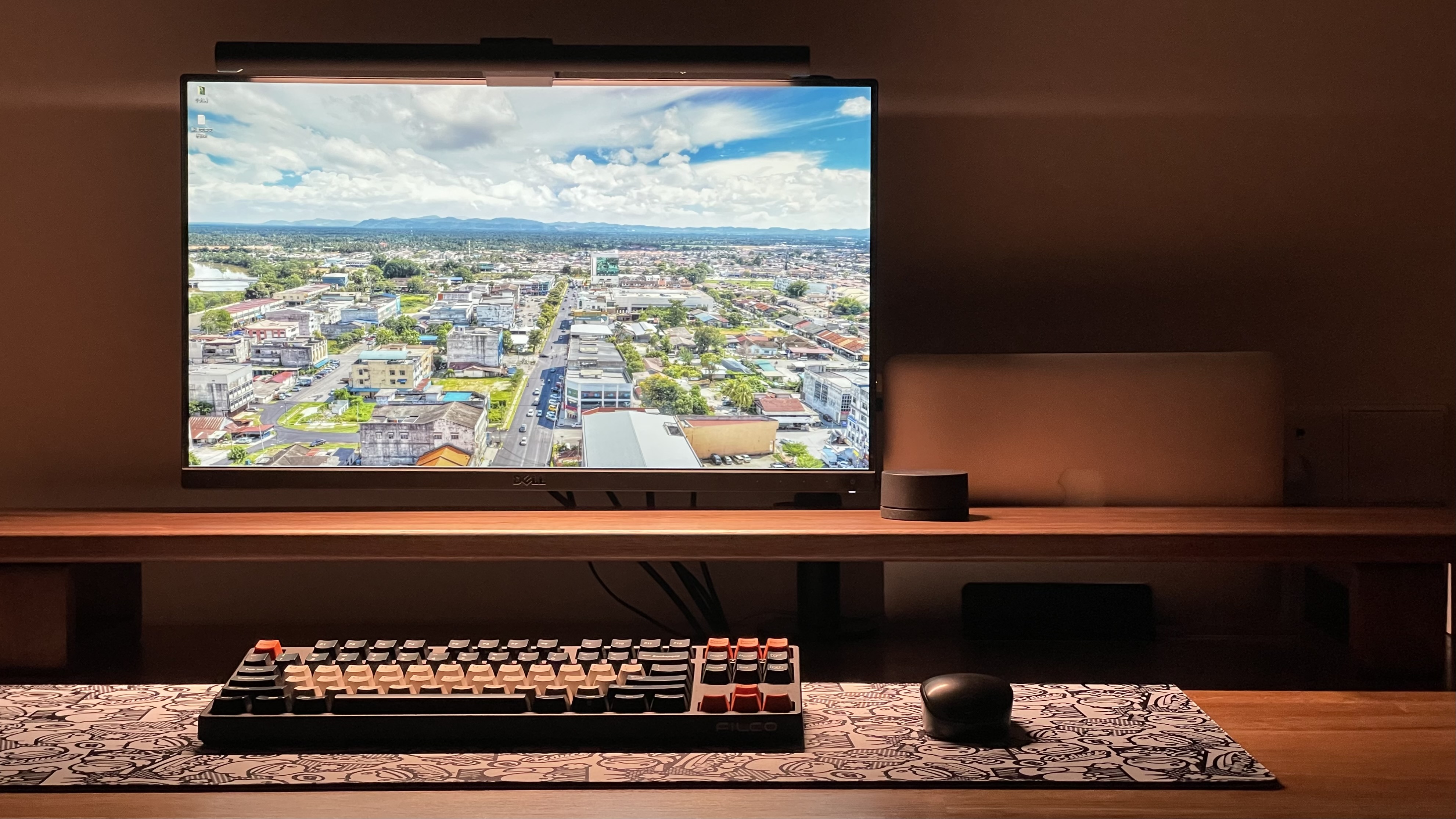

And a three-image arrangement across two rows can look like this:
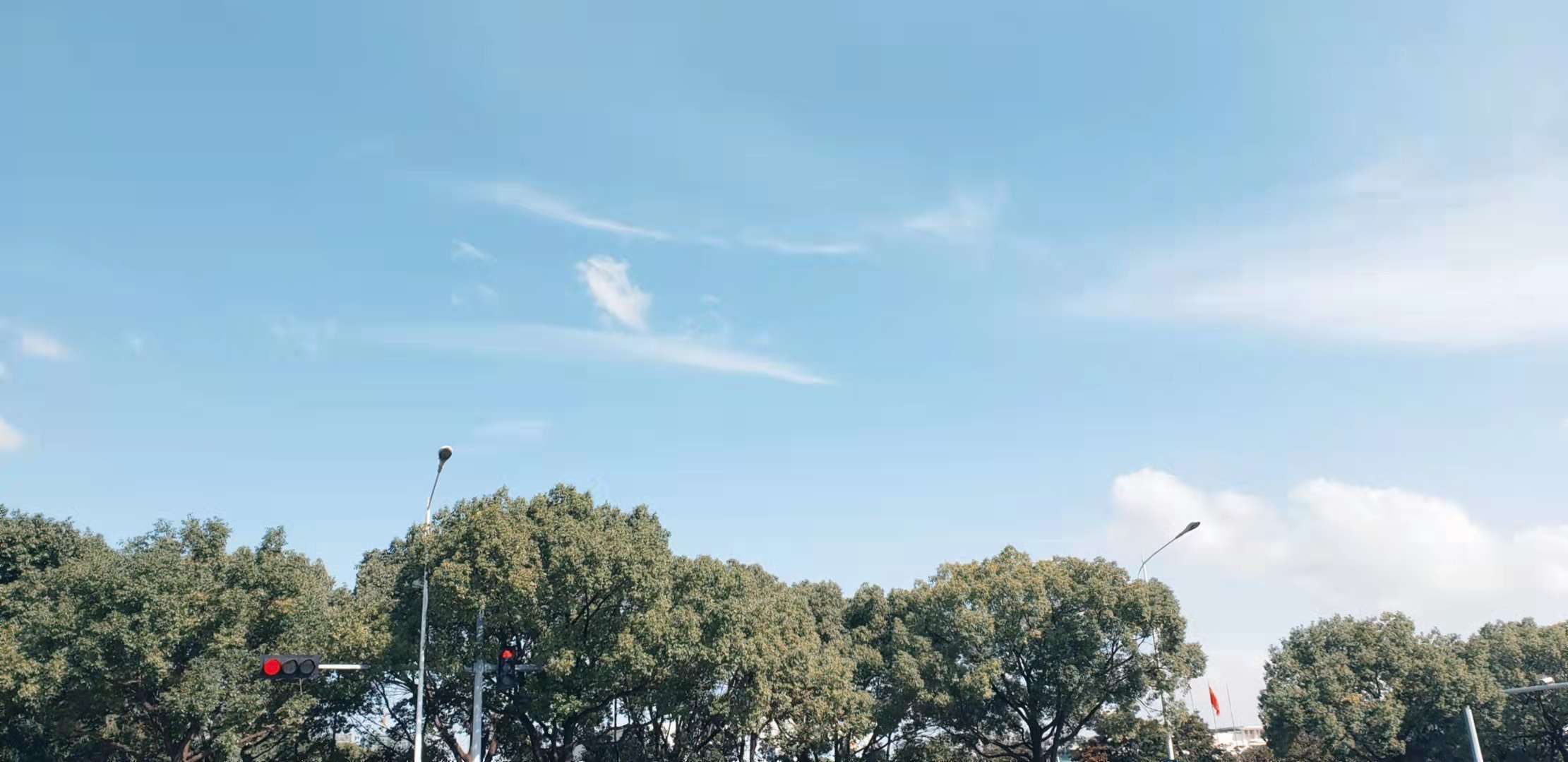
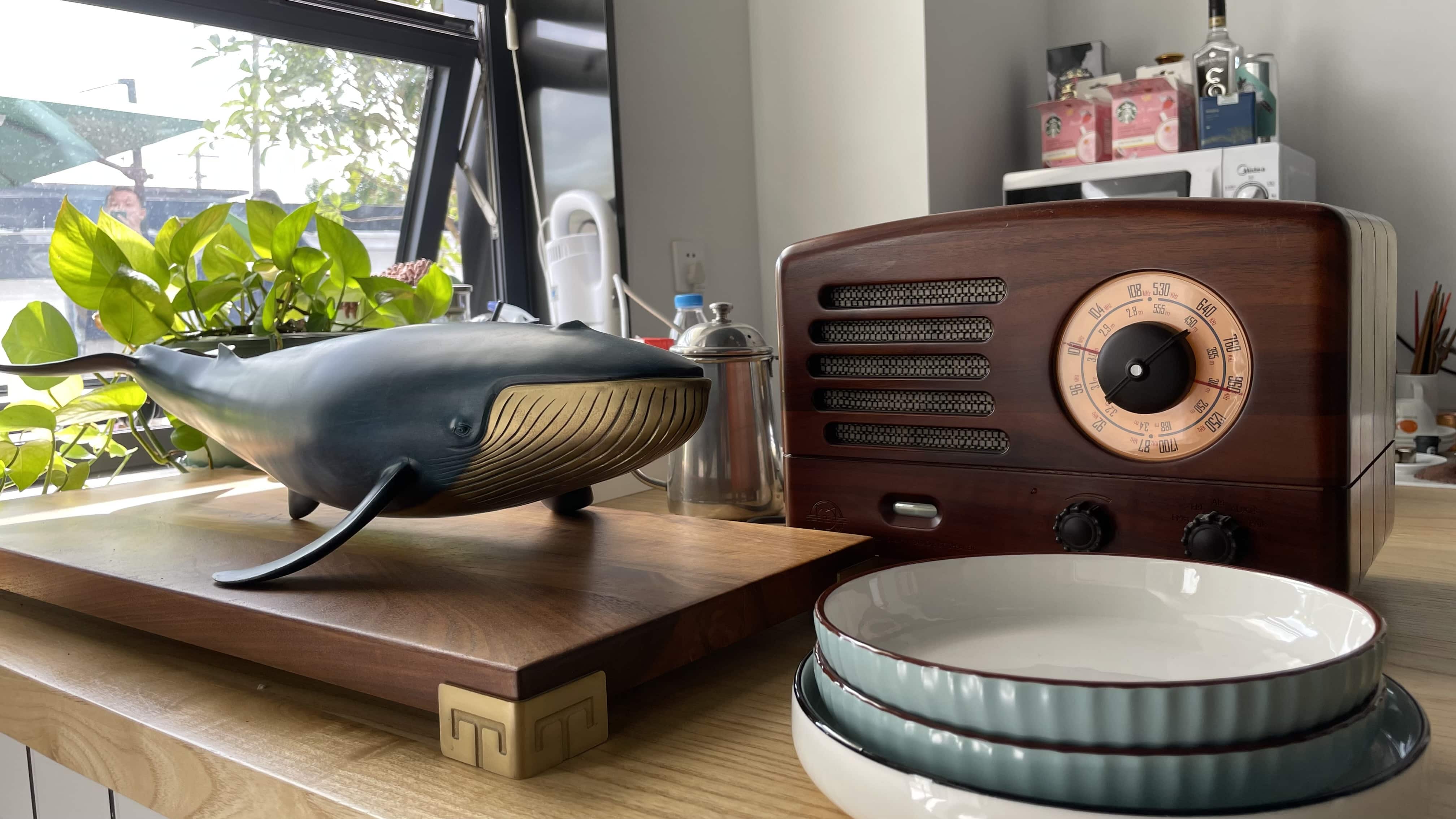
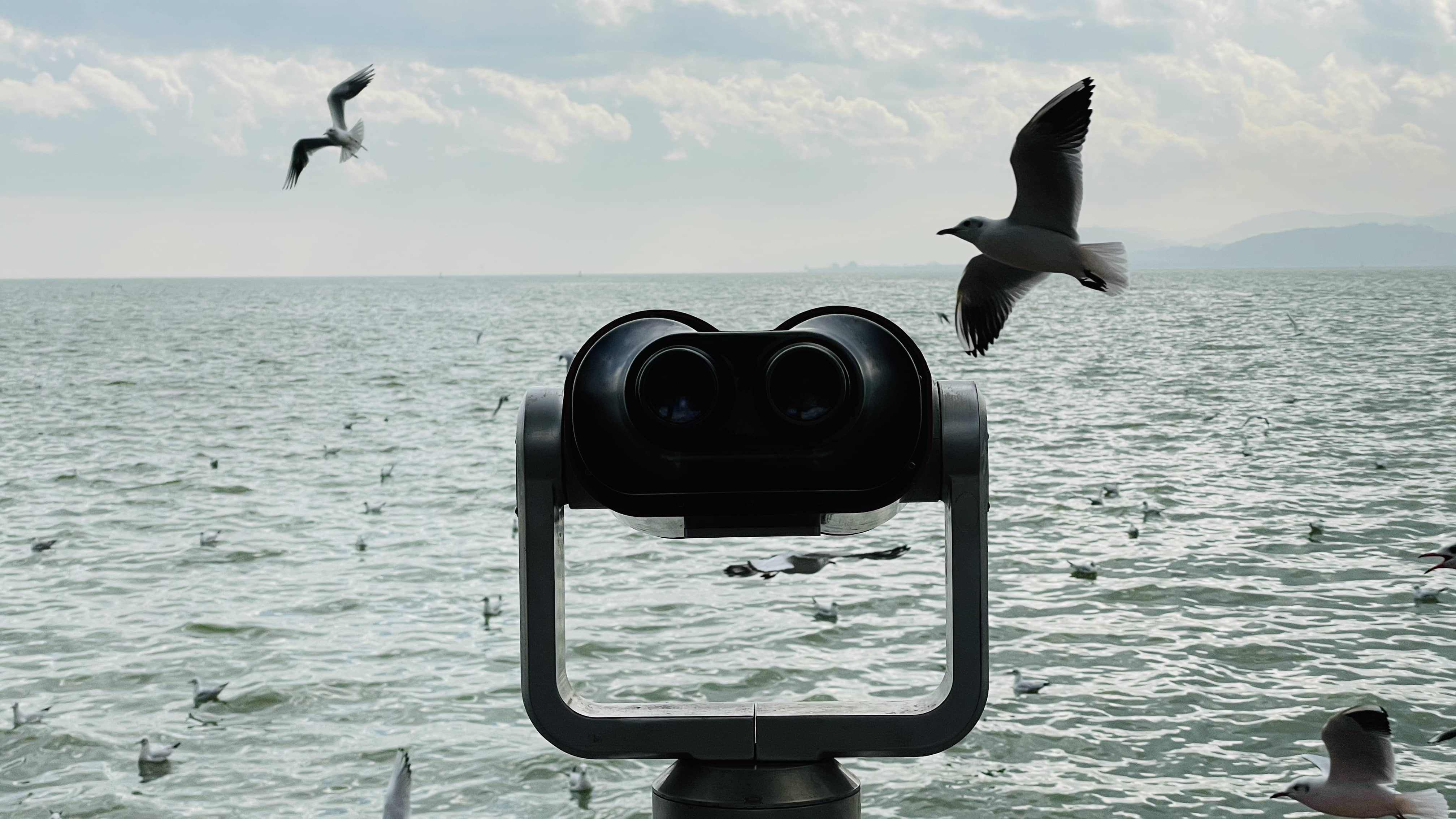
The key requirement is that the Markdown image syntax for images that should be laid out together must not create <br> tags inside the same paragraph. In other words, the images need to stay within one <p> block rather than being broken into separate lines by the parser.
The Markdown example is as follows:



If the layout does not take effect, one possible reason is your Markdown parser settings. When strict line break handling is not configured as expected, every newline may be converted into a <br>, which prevents the images from being grouped correctly.
For Hexo, you can add this parser configuration to the root _config.yml:
marked:
  gfm: true
  breaks: false #Enable GFM line breaks. This option requires the gfm option to be true.
There is one limitation to this image layout method, though it can also be seen as a characteristic of the approach: if the images have different aspect ratios, their heights will not align perfectly, so you may end up with an uneven row. In that case, placing those images side by side may not look ideal. Even so, for most everyday blog post needs, this setup is already practical enough.