Best Photo Border, Watermark, and Image Compression Tools I Actually Use
For adding borders and watermarks or compressing images before posting, I tend to stick with a small set of tools that are practical and easy to work into a regular workflow. Some are better on desktop, some are more useful online, and a few are still worth watching even if they are not my first choice right now.
Border and watermark tools
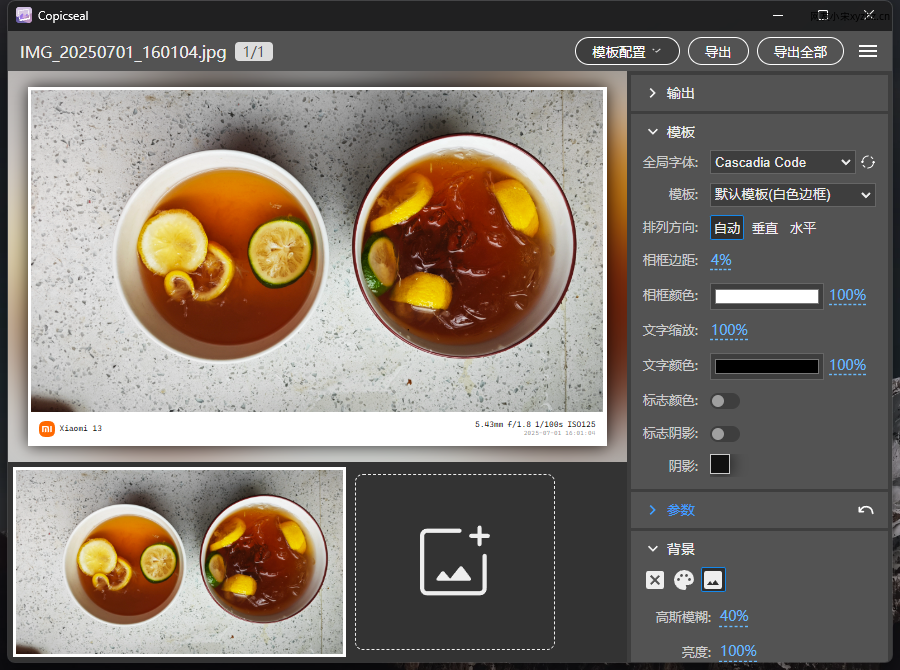
copicseal
copicseal is a tool for adding watermark-style borders to photos. It reads EXIF data and recreates the kind of camera-side watermark look on a PC, which makes it especially useful if you like that shooting-info frame effect without relying on in-camera processing.
The adjustable parameters are a big advantage, and the developer is still actively maintaining it. It is also one of the tools I use most often at the moment.
Its main weakness is pretty straightforward: the template selection is still limited.
Free online collage tool by 37丫37
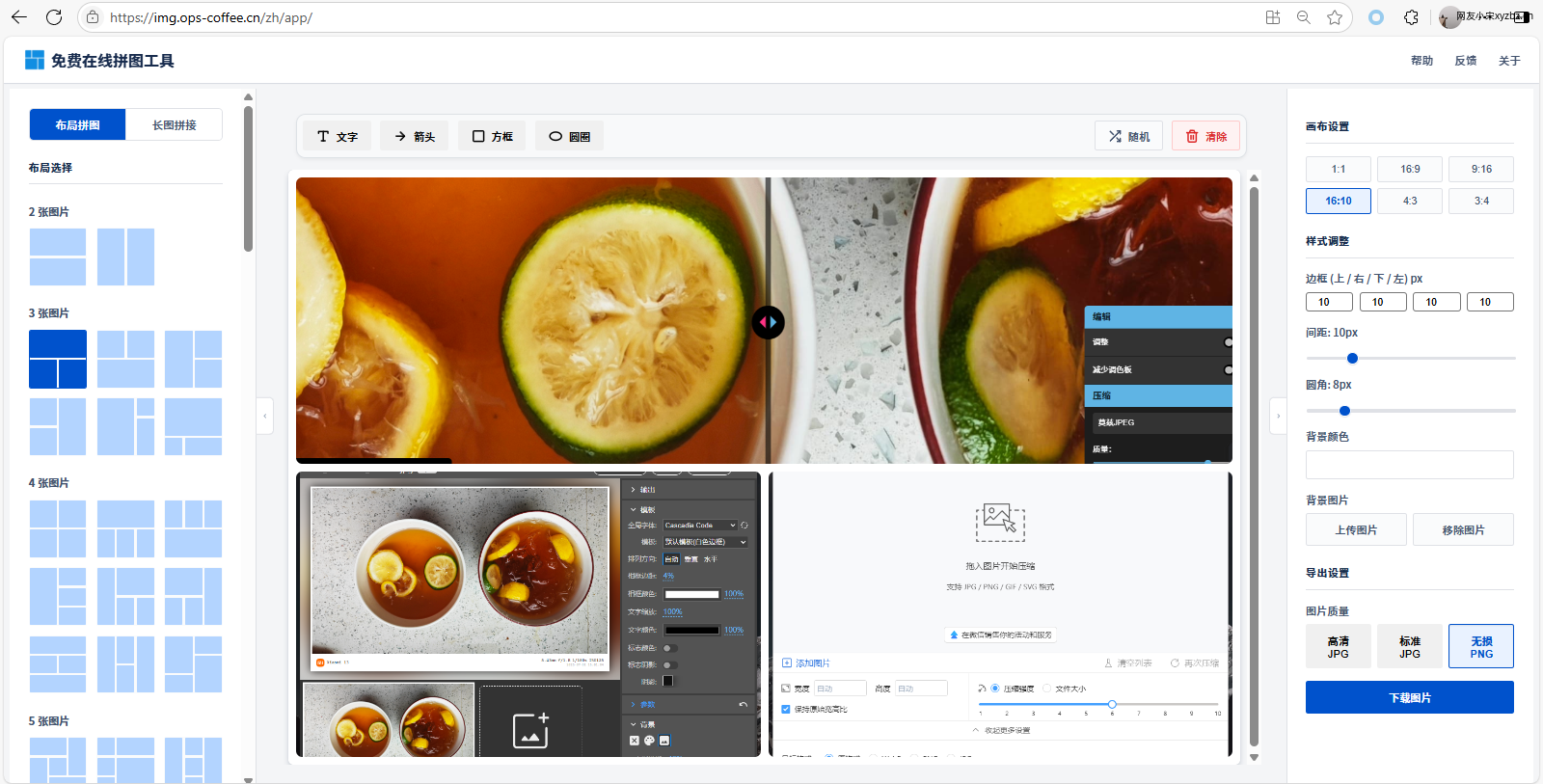
This is a free online collage maker developed by 37丫37. I first came across it through a group chat recommendation, gave it a try, and ended up finding it genuinely useful.
It fits a very specific need well: when you have a lot of images, do not want to install an app, and just want to make a collage quickly in the browser. In the past, I had used a phone's built-in tools and even tried working around the problem with Excel spreadsheets. Oddly enough, Excel was slightly better than some mobile options, but it was never a real solution.
This tool feels much more complete. It offers a good range of customization, pays attention to image quality, and the developer is still fixing bugs and updating it. If browser-based collage making is what you need, this one is worth trying.
Light-and-shadow border tool for PC
This is not a PC tool I strongly recommend right now, but it is still worth mentioning because the mobile version does an excellent job with borders.
The mobile release has plenty of customizable border templates and is free, which already makes it attractive. The PC version is something I discovered on Bilibili, and it is still under development. It does include a large number of templates, but the actual results are, in my view, not especially ideal at the moment.
So while I would not prioritize the desktop version right now, it does seem like something that could become much better with future updates.
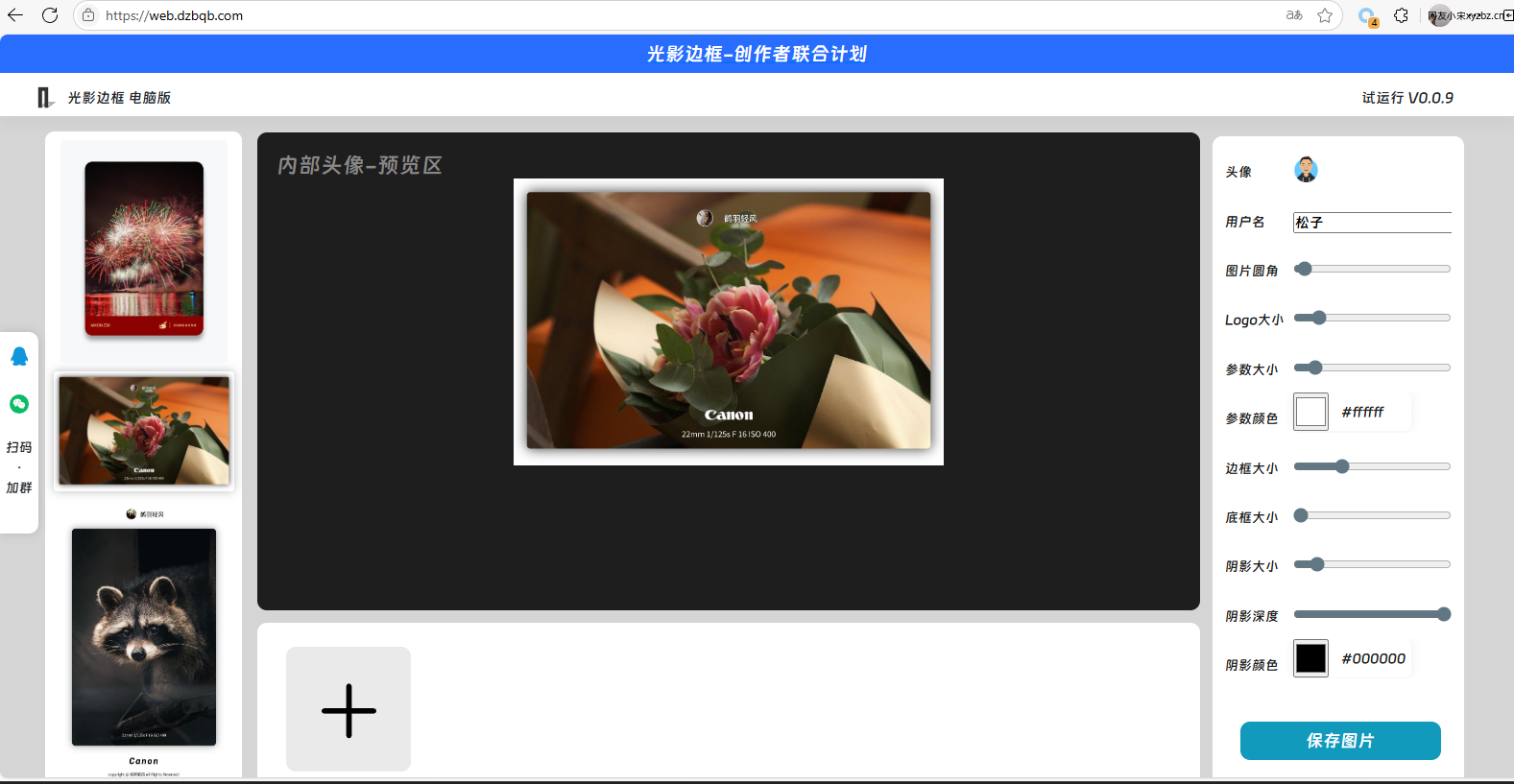
Image compression tools
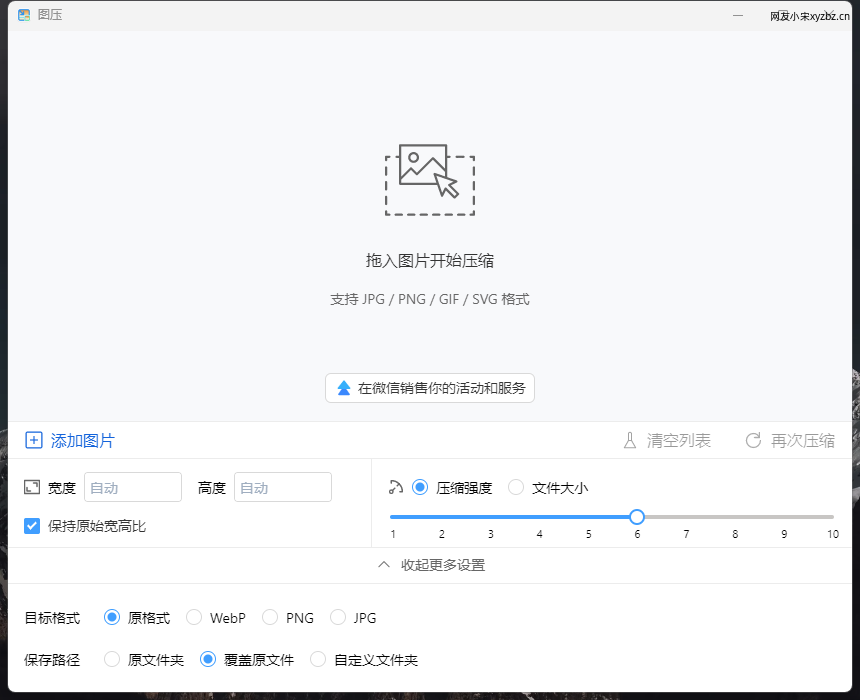
Tuya
Download: https://tuya.xinxiao.tech/
This is a solid compression tool with support for both Windows and macOS. What makes it especially practical is that you can fine-tune both compression strength and output size.
That makes it a better fit for people who prefer to inspect and adjust images one by one instead of running everything through a single preset.
Squoosh
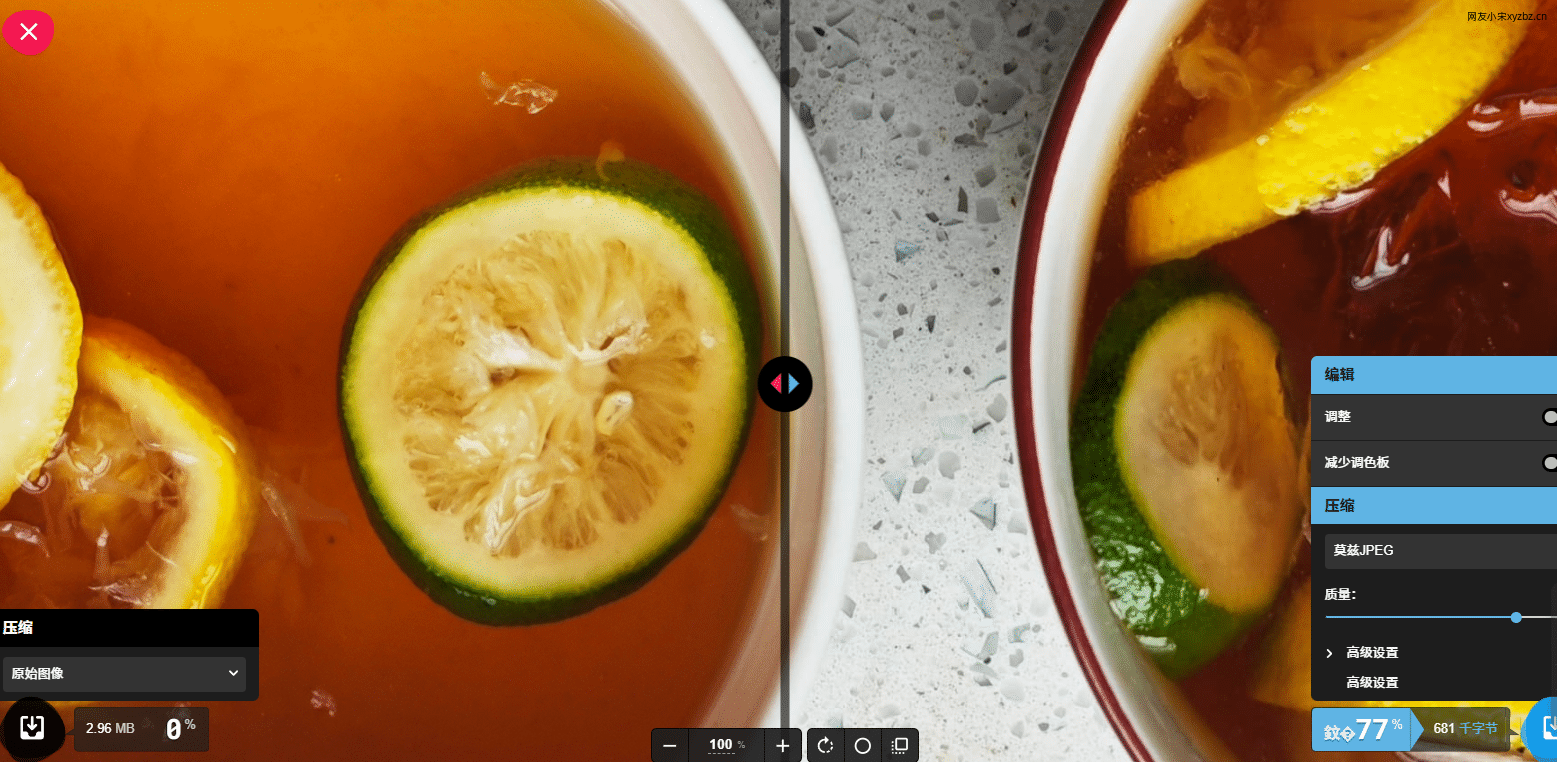
Squoosh is another option I keep as a backup. The project comes from Google Labs, and the compression results are quite decent.
It does not offer a Chinese interface, and the feature set is fairly straightforward, but it is still easy enough to understand with a browser translation extension turned on.
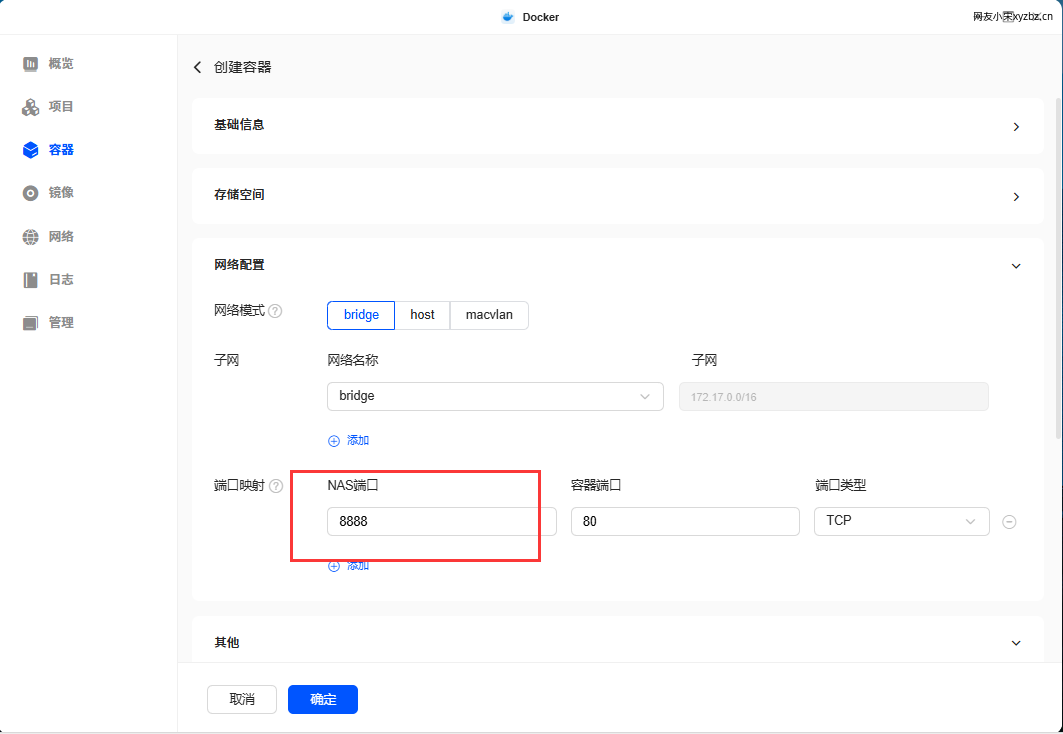
It can also be self-hosted with Docker. The example below uses a UGREEN NAS setup; in practice, you only need to change the port, while the rest can stay at the default values. If you already have the hardware for it, self-deployment is a convenient option.
docker run -d --name squoosh -p 8848:80 hausen1012/squoosh:latest